01 / persist
tmux-native workspaces
A workspace maps to a dedicated tmux session. Pane topology, scrollback, and processes survive the app.
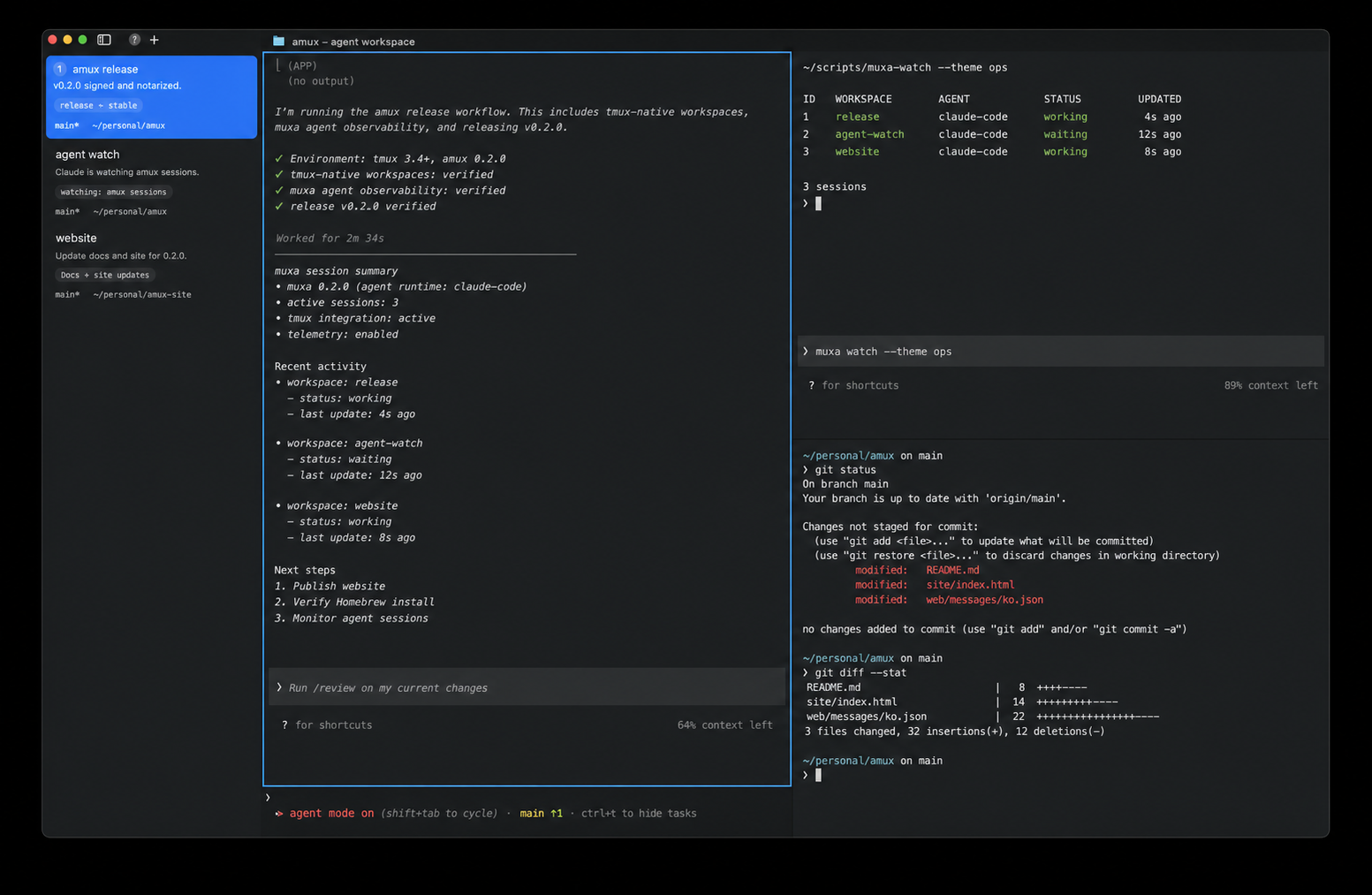
agent mux / macOS 14+
Your agents keep working. Your workspaces keep existing.
A native terminal where every workspace can be a real tmux session, muxa shows which agent needs you, and Cmd+K opens the whole run in one switcher.
One durable model
Close the window, detach with your prefix, reconnect over SSH, or attach from another terminal. The shell remains a tmux session while amux projects it into fast native Ghostty surfaces.
Built for agent work
01 / persist
A workspace maps to a dedicated tmux session. Pane topology, scrollback, and processes survive the app.
02 / observe
Working, waiting, choice, and error states are correlated with tmux panes and surfaced in one place.
03 / attend
Cmd+Shift+J moves directly to the longest-blocked agent instead of making you scan every terminal.
04 / connect
Cmd+K separates and searches ordinary shells, local tmux sessions, and remote sessions.
05 / automate
Create splits, send prompts, read screens, route notifications, and drive browsers without stealing focus.
06 / render
No nested tmux chrome and no Electron. amux renders the session directly with a native macOS interface.
Install amux 0.2.0
Homebrew 6 asks you to trust third-party taps before loading their casks.
brew tap Open330/tap
brew trust Open330/tap
brew install --cask Open330/tap/amuxDownload the notarized image, open it, and drag amux to Applications.